Rentals
Manage rented equipment across your entire fleet—not one machine at a time. Bring rental totals, monthly spend, project assignments and off-rent dates into one view, so equipment managers can see what is rented, where it is needed and when it should come off rent.
One operational picture
What you get with goAardvark
Total Rental Summary
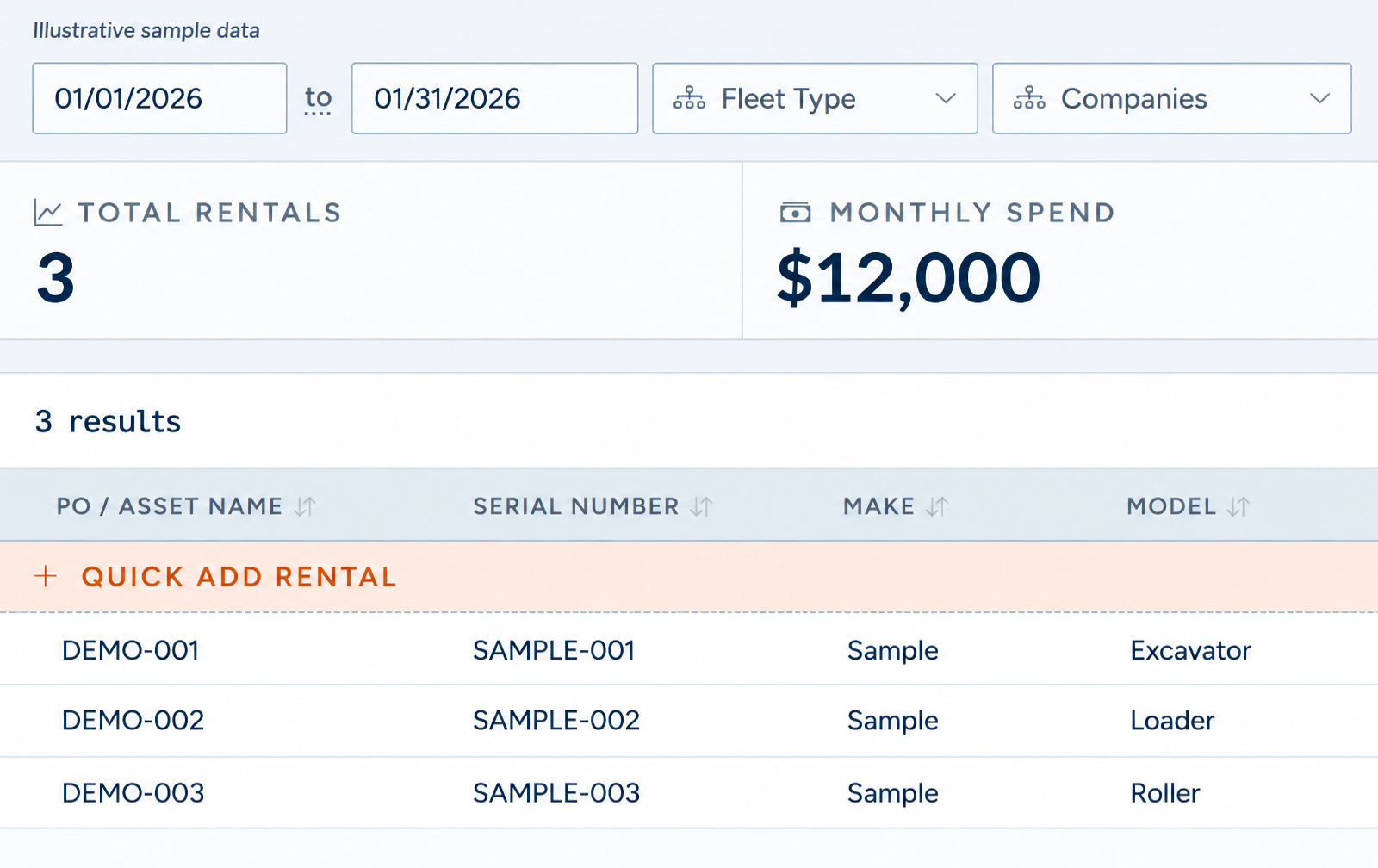
Start with the fleet-wide picture. The rental analytics dashboard brings total rentals and monthly spend together above the equipment list. Filter by date range, fleet type and company to focus the review, then use the rental records to understand which equipment sits behind the totals. Keep rental demand and spend visible before adding another machine.
Depth of data your team can rely on.
Total Rental Summary
Project Assignment
Connect each rental to the project that needs it. Capture its PO or asset name and serial number, then assign the project and maintain the key rental attributes in the same record. Keep equipment identity and project context together so fleet and project teams can review where rented equipment belongs without reconciling separate lists.
One shared record for everyone involved.
Project Assignment
Off Rent Tracking
Track the end of the rental as carefully as the start. Keep the on-rent date, projected off-rent date and actual off-rent date visible, then use Show Off Rent to review completed rentals. Compare the planned and actual end dates to spot equipment that stayed on rent longer than expected and support timely return follow-up—reducing avoidable rental days and wasted cost.
Traceable and audit-ready from day one.
Off Rent Tracking
Frequently asked questions
More features
All featuresKnow where your fleet stands before the day slips.
Book a demo to see how goAardvark fits your heavy-civil operation.