Parts Management
Keep the parts information for a specific machine with that machine’s record. Parts Management brings part numbers, descriptions, quantities and last-purchase details together, so mechanics and equipment managers can look up what they need and keep the list current without rebuilding it for every service job.
One operational picture
What you get with goAardvark
All Parts View
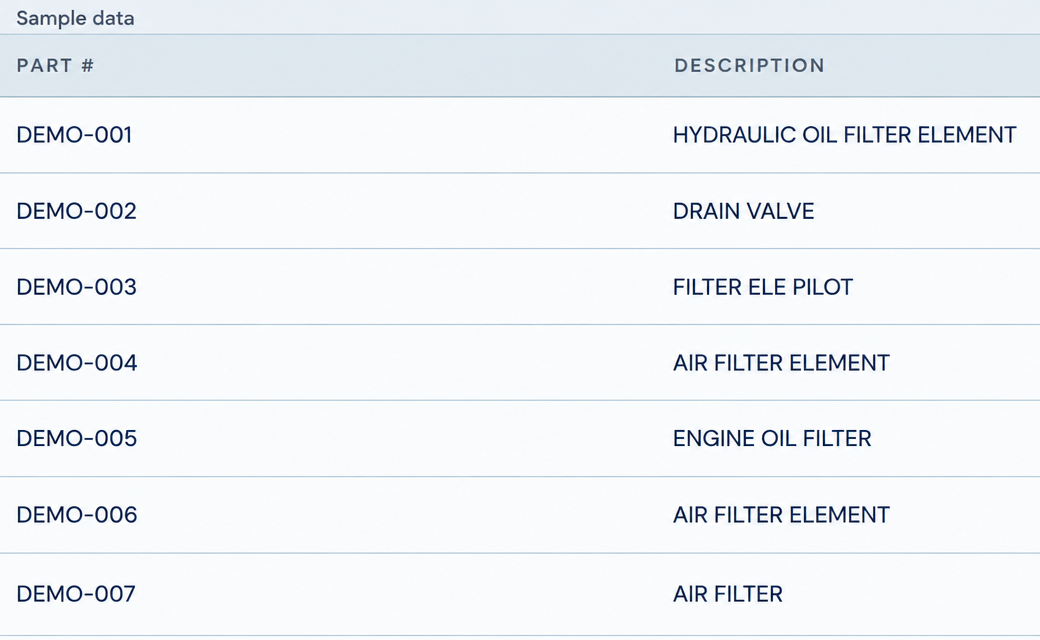
See the parts recorded for one machine in a single list. Part numbers and descriptions sit side by side, making filters, valves and other components easy to reference when preparing a service job or discussing a replacement with your supplier. Keep the lookup tied to the specific machine rather than a separate spreadsheet.
Depth of data your team can rely on.
All Parts View
Easy Add
Capture a part’s details while they are at hand. Add the part number, manufacturer, description and quantity, then record the last purchase date, cost, quantity and vendor. Save those details against the machine so the next person has a useful reference for service planning and purchasing.
One shared record for everyone involved.
Easy Add
Easy Edit
Keep the machine’s parts list useful as details change. Open a part’s action menu to edit its record, update its tags or remove an entry that no longer belongs. Make corrections from the list itself, keeping the reference current for the next maintenance or purchasing task.
Traceable and audit-ready from day one.
Easy Edit
Frequently asked questions
More features
All featuresKnow where your fleet stands before the day slips.
Book a demo to see how goAardvark fits your heavy-civil operation.