See the fleet across every work front
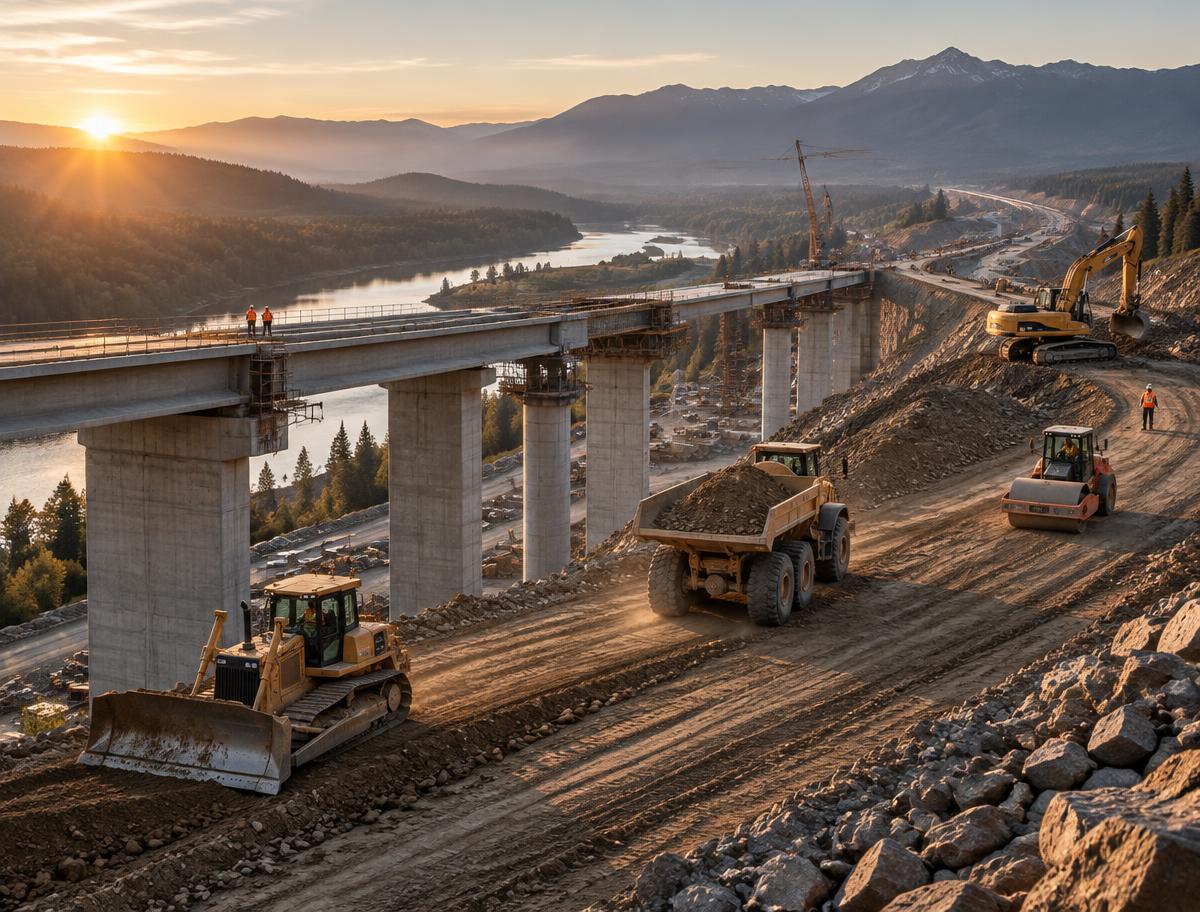
Follow machines across highway, bridge, utility, and earthwork operations without waiting for separate updates from each project team.
Heavy civil contractors run large equipment fleets across long project corridors, multiple work fronts, and shifting crew priorities. goAardvark brings asset location, activity, utilization, and service context into one operating view so project, equipment, and shop teams can make decisions from the same current picture.
One operational picture
Follow machines across highway, bridge, utility, and earthwork operations without waiting for separate updates from each project team.
Use activity and assignment history to identify availability, understand idle time, and decide where the next machine will create the most value.
Connect service needs to machine location and project priorities so maintenance can be planned around access, moves, and critical path work.
Move between projects and work fronts without losing the thread. See where assets are assigned, how they are moving, and which jobs need equipment attention today.
Depth of data your team can rely on.
Fleet visibility for complex project portfolios
Review machine activity alongside project assignments to distinguish productive work from waiting, repositioning, or mismatched capacity across long-running civil jobs.
One shared record for everyone involved.
Utilization connected to the work
Give the shop a clearer view of usage, inspections, and upcoming service needs while equipment moves between work fronts, projects, and regional operations.
Traceable and audit-ready from day one.
Service planning that travels with the machine
Crews, dispatch, shop teams, and managers can see the same equipment activity without waiting for calls or end-of-day updates.
Track where assets are, what they are doing, and which job they are supporting so operations can make faster calls.
Usage, inspections, and service signals stay close to the asset record so the shop can act before small issues slow the job.
See fleet visibility and field workflows in the same demo.
Book a demoBook a demo to see how goAardvark fits your heavy-civil operation.