
Equipment Utilization: 7 Checks Before You Rent Another Machine
Separate runtime from productive work, investigate idle patterns and compare fleet options before committing to another rental.
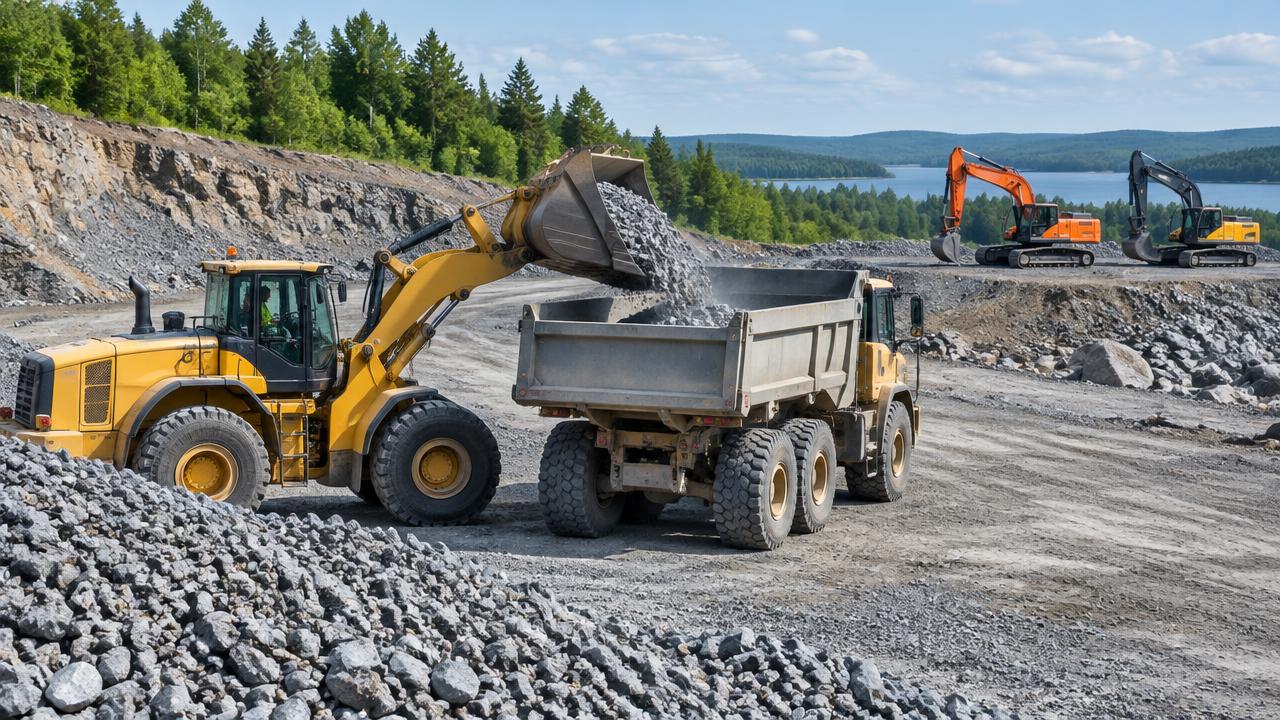
A machine that records hours is not necessarily producing work. Before adding rental cost to a heavy civil job, check whether your utilization picture reflects actual production, where the machine was assigned, and what happened during the time it was not working. The goal is not to prove a rental is unnecessary. It is to distinguish a genuine capacity gap from equipment that could be better scheduled or redeployed.
Start by agreeing on the metric. AEMP/EMTSP definitions describe utilization as a measure of equipment use over a period. That does not make every recorded hour productive. Cat utilization definitions distinguish runtime, working and idle time. Write down your basis before comparing machines or projects.
1. Separate runtime from productive hours
Engine runtime can include working and idle periods. A machine may accumulate hours while waiting for trucks, warming up or remaining powered during coordination. Conversely, low hours do not prove it was unnecessary: it may have covered a short, critical work window. Compare working hours, runtime, planned hours and the production requirement. If a source supplies only runtime, label that limitation instead of presenting the figure as productive time.
2. Check timestamps and reporting gaps
Put the data on a common clock. Verify the reporting period, site time zone and last reading timestamp. A missing interval can look like inactivity, while a delayed upload can make work appear in the wrong shift. Compare anomalies with operator notes and dispatch records. Flag gaps rather than filling them with assumptions. Data freshness is part of interpreting the metric, not an administrative detail.
3. Confirm the assignment was real
Check what the machine was meant to do, where and when. An asset assigned to a project in software may be parked elsewhere, committed to another crew or no longer needed after the sequence changed. Ask the superintendent whether it was actually available for the planned task. On site, available and productive are three different conditions; a report should not collapse them into one status.
4. Give idle time a reason
Separate waiting for haulage from weather, access restrictions, operator availability, service work and standby coverage. Use a few categories crews can apply consistently. A short note often explains a large idle block better than a dashboard label. A stationary machine can also perform useful work, so check how the provider classifies activity for that equipment type before treating the idle total as avoidable waste.
5. Test a redeployment option
Check upcoming work, mobilization, attachments, operators and receiving-site readiness. Moving an owned machine is not free: it can disrupt another sequence or leave a crew without essential support. Compare those consequences with rental availability and terms. A machine with no near-term assignment may be a candidate; one held for a valid operational reason is not automatically surplus.
6. Compare full cost
Include delivery, pickup, minimum rental charges, fuel, attachments and transport for the owned alternative. Consider the consequence of missing capacity when the work is ready. Keep estimates separate from recorded costs and use the same period and scope for each option. A low daily rate does not settle the decision if one option arrives late or requires another machine to support it.
7. Record the decision and review date
Document the need, evidence, assumptions, owner and expected duration. If you rent, define when the term will be reassessed. If you redeploy, confirm the sending and receiving assignments. When evidence is incomplete, state that clearly and assign a short follow-up window rather than treating uncertain telemetry as certainty.
A useful equipment utilization review joins machine readings to the job plan. Review data coverage by provider, then bring your equipment list and rental decision process to a goAardvark demo.
More from the blog
Know where your fleet stands before the day slips.
Book a demo to see how goAardvark fits your heavy-civil operation.